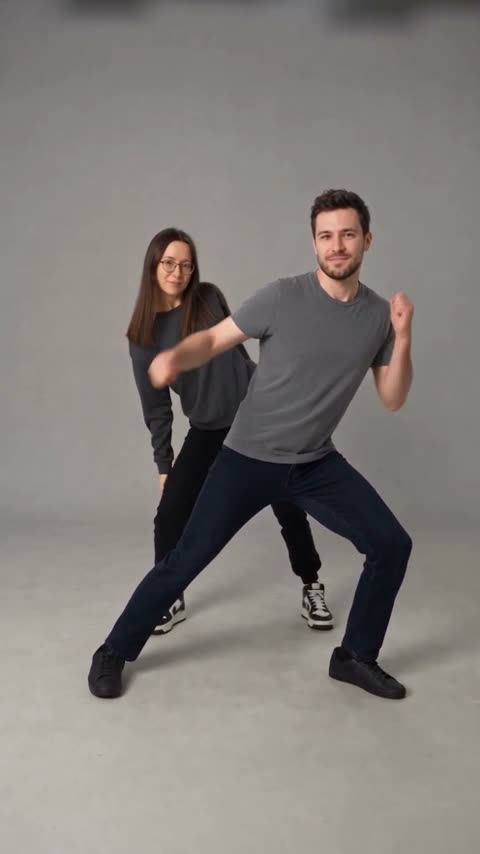
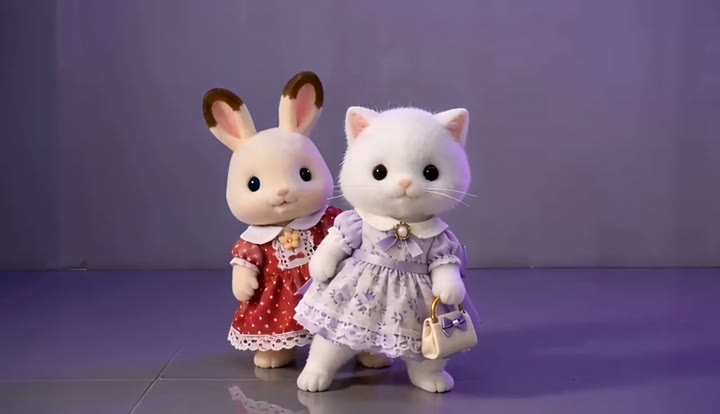
FIRST TRY
1 video
A little first dance
One idea. One dance. Make it yours.
$9.90USD · one time
$9.90 per video
- 1 dance video
- Choose your favorite scene
- Whole-person or face-only replacement
One payment. Yours to use anytime.
Make a neon dance video from two photos: a duo dance set to a matching neon dance track, NEON-inspired. Independent tool. No app, no filming.
Independent tool. Characters are fictional (AI-generated); likeness may vary.
The studio
Choose your people, your scene and your format.
Photo 1 · Person A
Add a full-body photo
Photo 2 · Person B
Add a full-body photo
Photo 1 is Person A; Photo 2 is Person B. One person per photo. Photos guide the characters; likeness may vary. No celebrities, minors or nudity. Rules
Uses 1 video from your pack · From $9.90 for a single video
By pressing “Create my neon dance video” you confirm you are 18 or older, you have permission from everyone in the photos, and you agree to the Terms and Acceptable Use Policy.
Seedance 2.0 · Pay once for videos · Failed renders return to your balance
A20 AI · VIDEO PACKS
Pick your pack. Make their next scroll a double take.
A little first dance
One idea. One dance. Make it yours.
$9.90 per video
One payment. Yours to use anytime.
Your three-scene era
White studio. Purple mood. Cyber lights. Try them all.
$8.33 per video
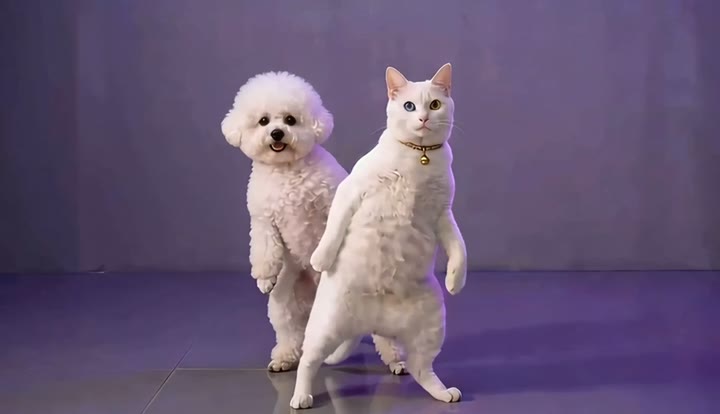
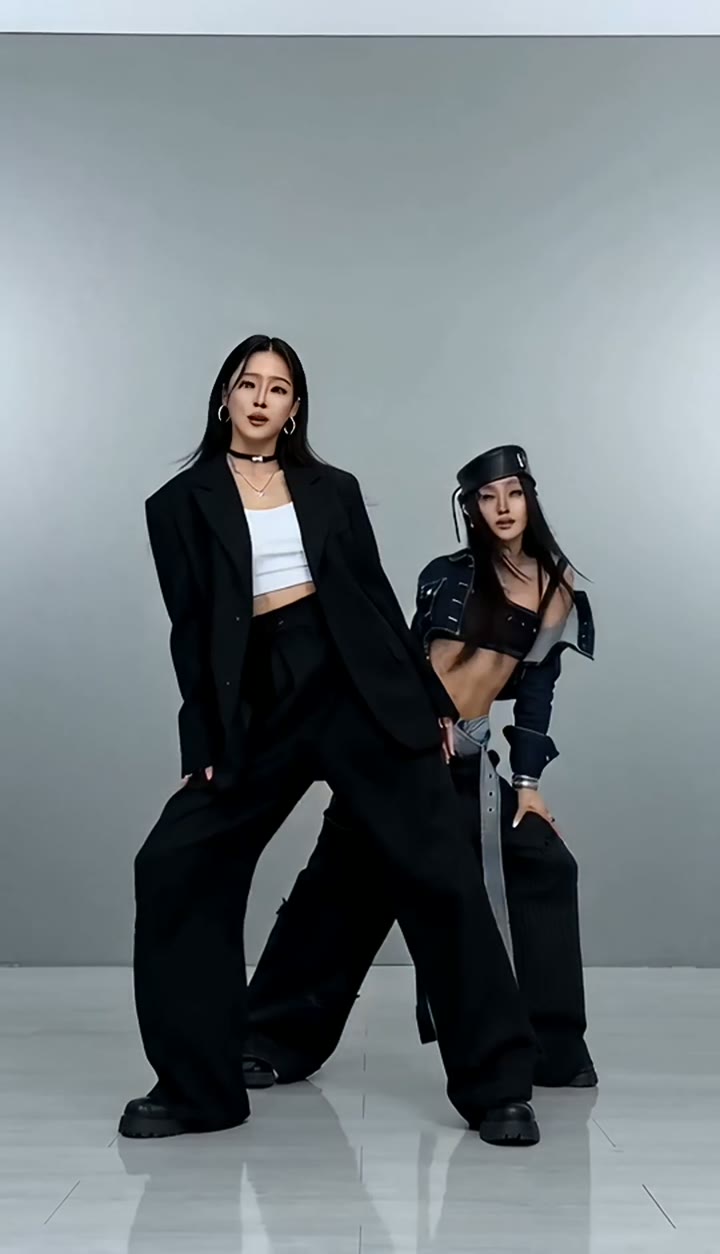 White studio
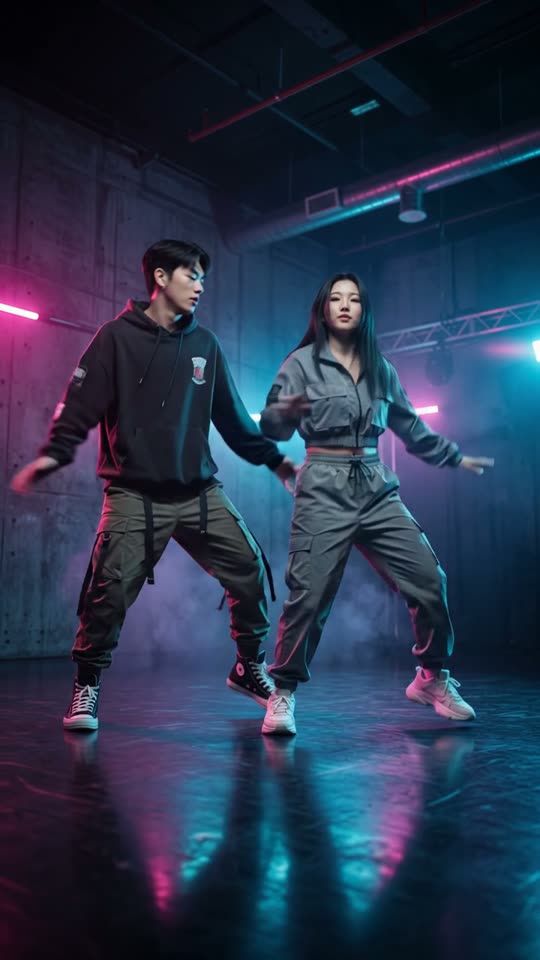
 Purple studio
 Cyber lights
Save $4.71 vs. buying 3 single videos
Keep the ideas coming
More friends, more scenes, more possibilities.
$7.30 per video
One payment. Yours to use anytime.
Savings compared with buying individual $9.90 videos. Refund policy
More AI-generated dance clips and stills. The four featured videos are at the top; choose your scene in the studio.
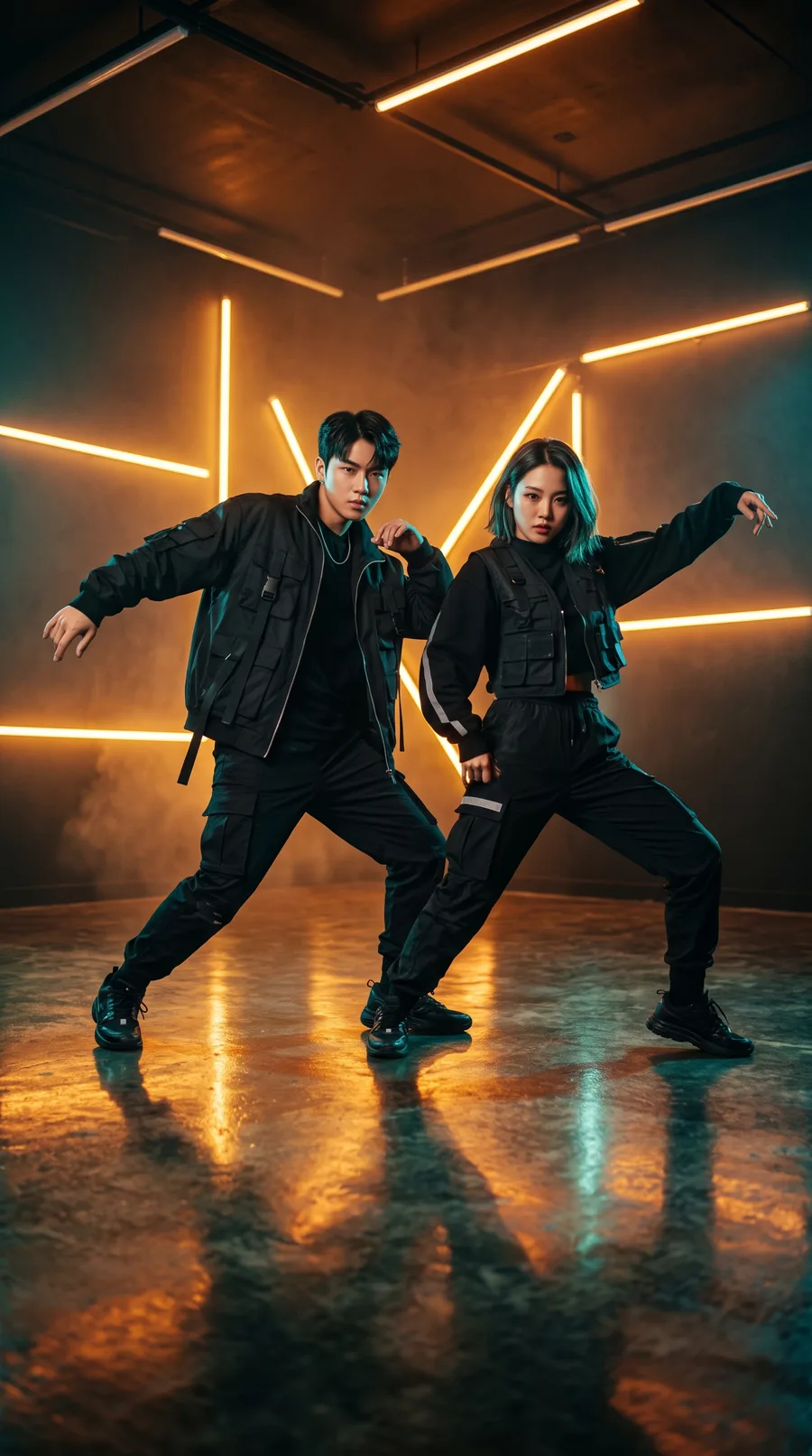
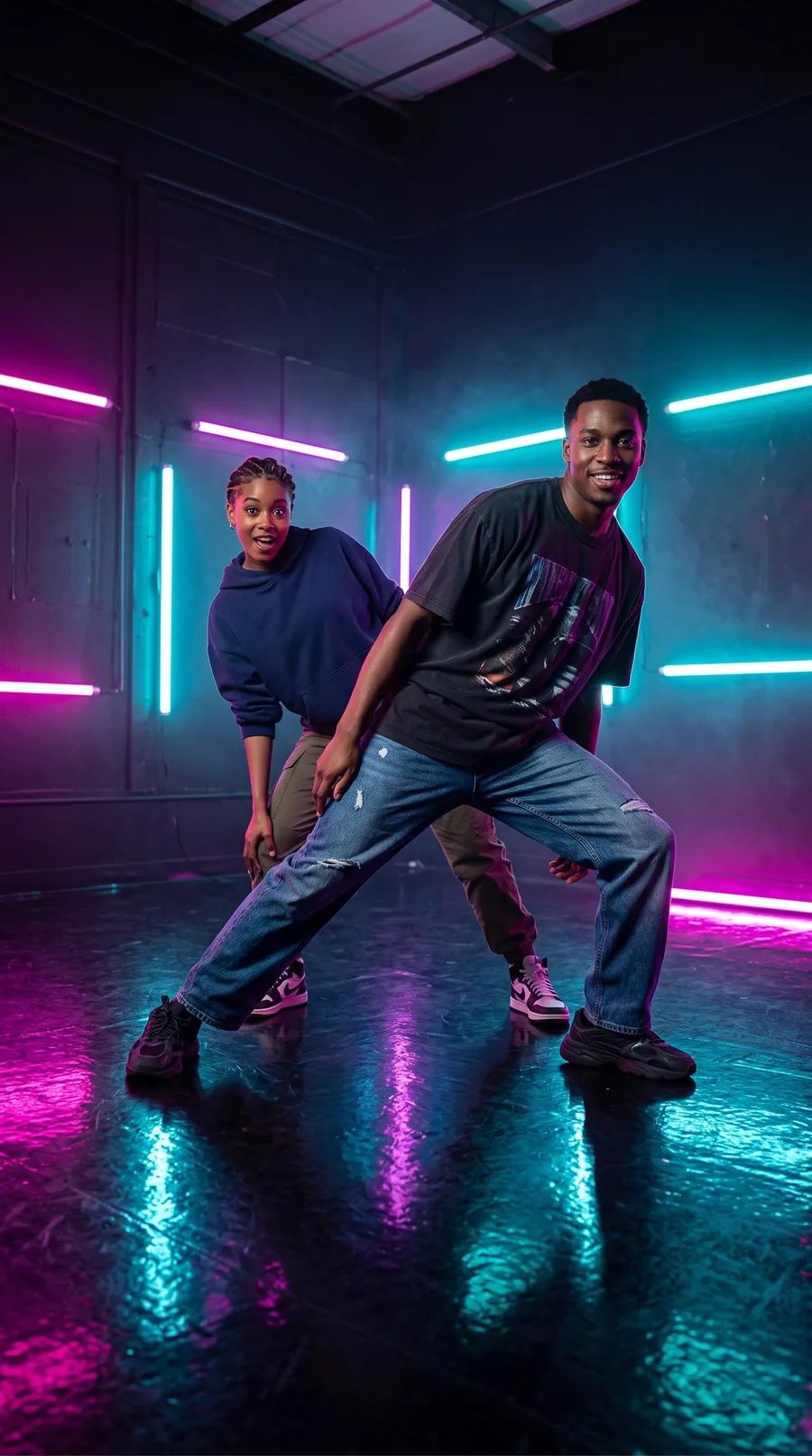
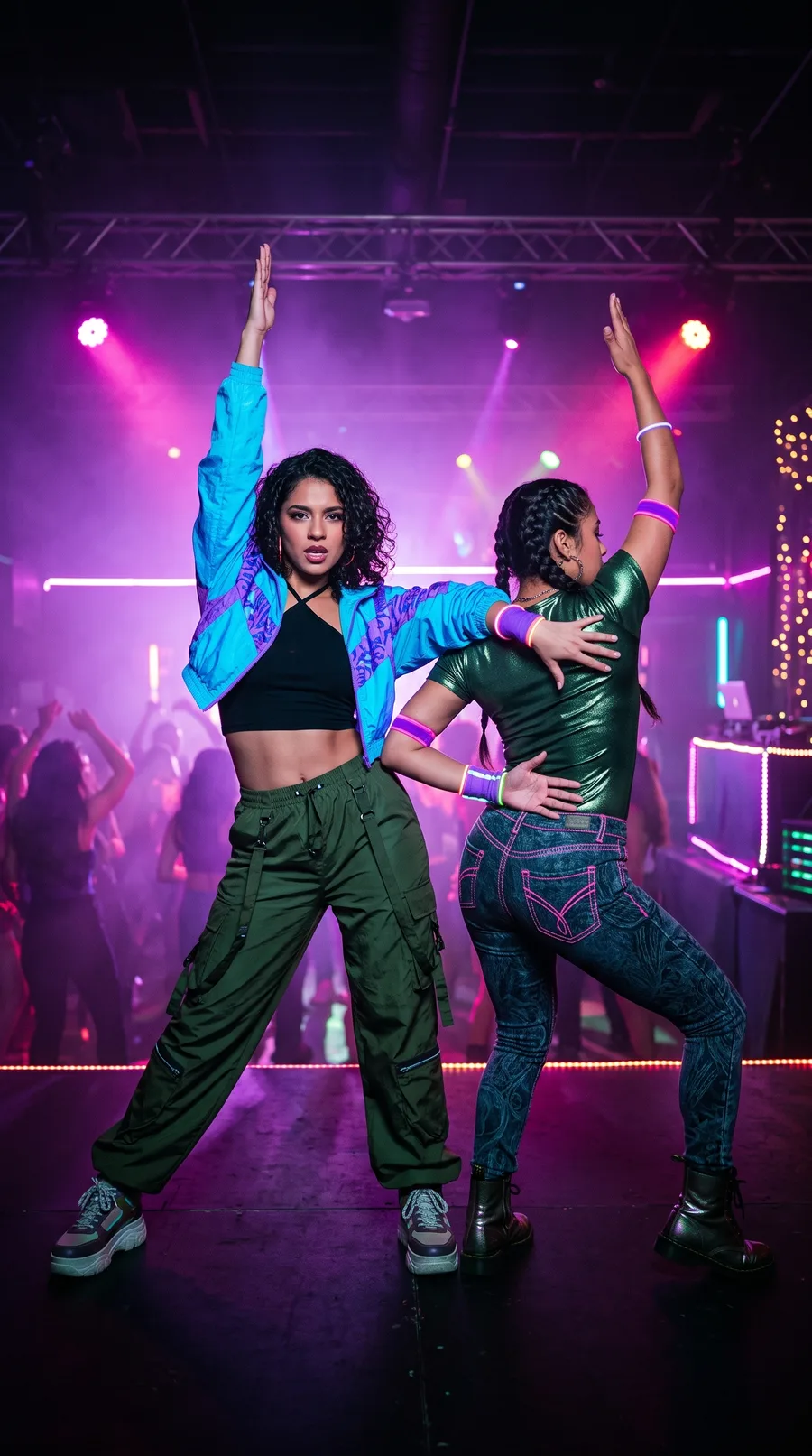
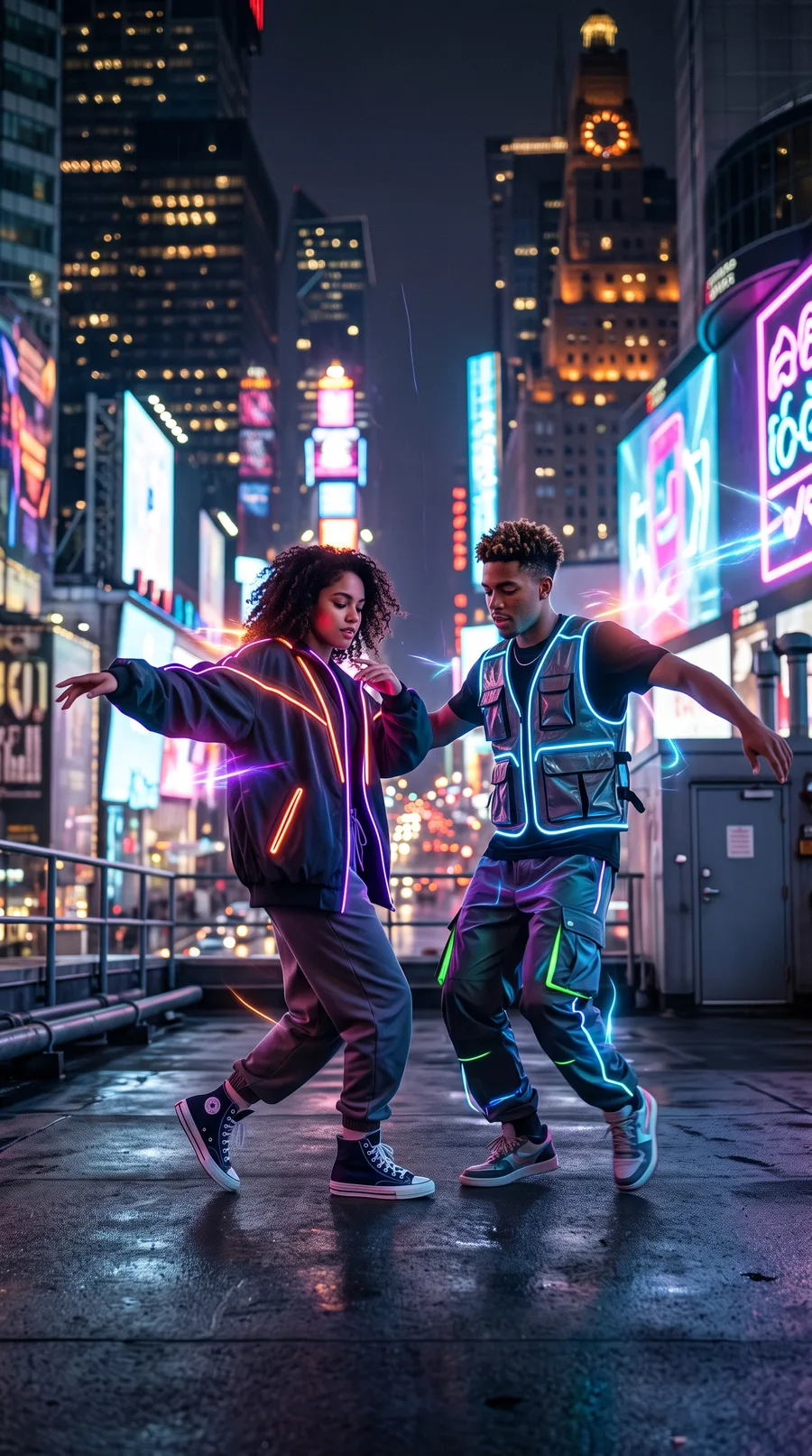
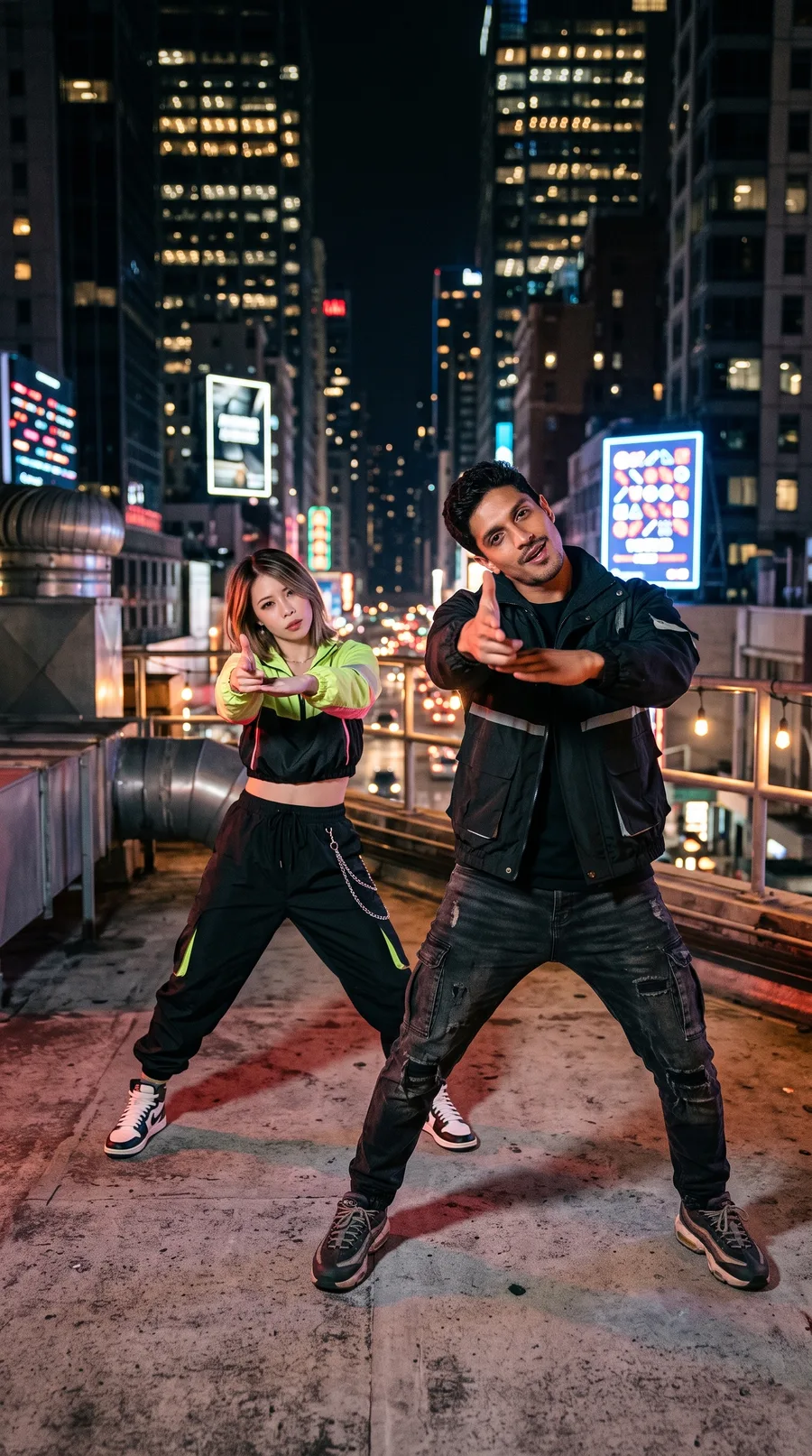
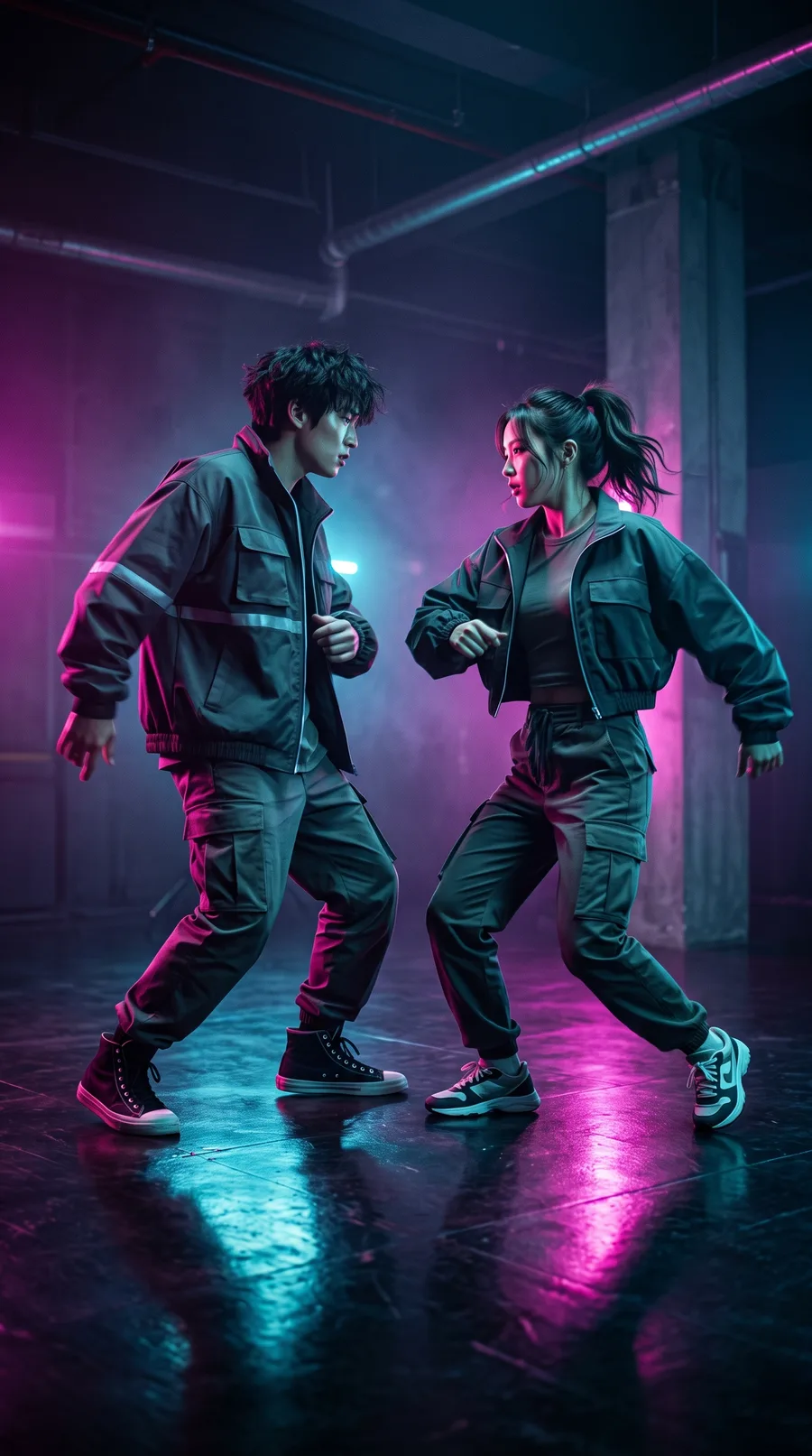
A20 AI is an AI tool that makes a NEON-inspired duo dance video from two photos. Upload a photo of you and a photo of a friend, and it renders a short dance scene with two fictional characters under glowing pink and blue neon, performing a synced routine set to a matching neon dance track. Your photos are loose references; appearance and movement can vary.
Choose a white studio, purple backdrop or cyber-lit set. Your two photos do not need to be taken together, so friends in different cities can still make a duo.
A20 AI is independent: it is not affiliated with, endorsed by or sponsored by any artist, label or group, and it does not use official recordings or logos.
Choose a white studio, purple studio or cyber-light background. Your selected reference guides the scene and dance.
A bright white studio with a clean, full-body dance shot.
A soft purple set with a glossy floor and playful choreography.
A concrete dance studio washed in blue and magenta neon light.
Three taps, a few minutes, straight from your phone. No app to install and no editing.
Add one clear photo of an adult for each dancer: you and a friend, partner, sibling or coworker. Half-body or full-body, front-facing, well-lit photos work best.
Choose White studio for a bright backdrop, Purple studio for a soft violet set, or Cyber lights for a neon-lit dance floor.
Your video downloads in 480p portrait (9:16) or landscape (16:9), ready for TikTok, Instagram Reels, YouTube Shorts or the group chat.
These limits come from the product's current settings. Results vary by photo and by AI model, and the pricing page has the latest prices.
Two friends, one neon dance floor. It works even if you live in different cities, because the photos do not need to be taken together.
Add one photo each and generate a fictional synced duo dance, a fun anniversary or date-night post.
Turn two photos of the birthday person and their best friend into a new fictional neon dance duo for the group chat.
Turn two friends’ photos into fictional neon characters for the group chat and watch the replies roll in.
A20 AI is an online AI tool that makes a NEON-inspired duo dance video from two photos: two fictional characters dancing a synced routine under glowing pink and blue lights, set to a matching neon dance track. Your photos are loose references; appearance and movement can vary. No app and no filming.
A short clip of two dancers performing a synced routine under glowing neon lights. A20 AI generates a NEON-inspired one from two photos.
No. A20 AI is an independent tool. It is not affiliated with, endorsed by or sponsored by any artist, label or group, and it does not use official recordings or logos. Our videos are NEON-inspired duo dances with a matching neon dance track.
You add two photos, choose one of three reference scenes and an output ratio, then create a video. Generation is currently paused while the workflow is being connected.
White studio uses a bright neutral backdrop. Purple studio uses a soft lavender set. Cyber lights uses a concrete dance floor with pink and blue neon.
Creating an account is free, and so is setting up your video: adding photos and picking a look. Each render uses one video from your pack. Buy 1 video for $9.90, 3 for $24.99, or 10 for $72.99. See the pricing page for the one-time packs.
One clear, well-lit adult per photo, facing the camera. Half-body or full-body photos give the AI more to work with than a tight face crop. Avoid sunglasses, heavy filters and group shots. The two photos do not need to be taken together.
No. Your photos are only loose references for the characters, such as hair, clothes and general look; appearance and movement can vary from photo to photo and run to run.
The video is 15 seconds at 480p. Choose vertical 9:16 or landscape 16:9 before creating it.
You can share the videos you make. They carry an AI-generated tag in their file data (there is no visible watermark), and we ask you to keep an AI disclosure when you post, as platforms and some laws require. Platforms and rights holders may apply their own rules to dance and music content, so check them before posting.
Failed or timed-out renders, and videos that do not pass our automated safety review, are refunded automatically: the video allowances go back to your balance and you can try again.
You must be 18 or older, own the photos or have the right to use them, and have the consent of everyone shown. Photos of celebrities, public figures or K-pop idols, photos of anyone under 18, photos of anyone who has not agreed, and NSFW images are not allowed. Do not mix people and pets in one video.
Video allowances never expire. Every purchase is a one-time payment: there is no subscription and no auto-renewal. See the refund policy for what is covered.
Your photos are used to render your videos and for an automated safety check. They are never published or sold, and uploaded photos are deleted automatically after 30 days. You can ask us to delete them sooner at any time.
Your photos, one button, usually a few minutes. Video allowances are returned automatically when a render fails.
Make my neon dance video